Access the Download Page
Click the button on this page to go to the official Baji download section.
The Baji desktop application gives you direct access to live casino games, roulette, slots, table games, and sports betting from your computer, fully compatible with both Windows and MacOS. The app is free to download and delivers the complete functionality of the official website in a dedicated, optimised interface. Compared to using a browser, the desktop version offers a more stable connection, faster loading, and a full-screen experience designed for serious players.
The Baji app for PC brings together every major platform feature in one reliable desktop client, with faster performance, a clutter-free interface, and direct access to your account without opening a browser. Below is a summary of the key details for the PC client.
| PC Client Size | Approximately 85 MB |
| Available Languages | English, Bengali, Hindi, Urdu, Chinese |
| Category | Sports Betting, Online Casino, Live Casino, Instant Games, Game Shows, Table Games |
| Compatible with Windows | Windows 7, Windows 8, Windows 10, Windows 11 |
| Compatible with macOS | macOS 10.13 (High Sierra) and above |
Installing the Baji PC application has clear advantages for most users, though there are a few minor trade-offs worth knowing before you download. The table below outlines what to expect.
| Pros | Cons |
|---|---|
| Faster loading times compared to browser-based play | Requires an initial download and installation |
| Full-screen interface for a better gaming experience | Takes up storage space on your computer |
| Stable connection with fewer interruptions during live games | Not accessible on devices without the installed client |
| Dedicated app means no browser tabs or distractions | |
| Instant access to your account with saved login details | |
| Optimised performance for both casino and sports betting | |
| Regular updates keep features current and security tight |
The Baji app for Windows is compatible with most versions of the operating system, including Windows 7, 10, and 11, and requires minimal system resources to run reliably. Follow these steps to get the app installed on your computer.
Click the button on this page to go to the official Baji download section.
On the download page, choose the Windows installer file (.exe) suitable for your system.
Click the download button and wait for the installer file to save to your computer.
Open the downloaded file. If Windows asks for permission to proceed, click “Yes” to continue.
Follow the on-screen prompts. The process takes less than a minute on most computers.
Once installation is complete, open the app icon from your desktop or Start menu and log in to your account.
The Baji app for Mac is compatible with macOS 10.13 (High Sierra) and all later versions, covering most Mac computers and MacBooks in active use today. Use the steps below to set up the app on your device.
Click the button on this page to visit the official Baji download section.
Choose the macOS installation file (.dmg) from the download options.
Click to download and wait for the .dmg file to save to your Mac.
Locate the downloaded file in your Downloads folder and double-click it to open.
In the installer window, drag the Baji icon into your Applications folder as directed.
Open the Applications folder, double-click the Baji icon, and log in to your account to start betting.
Keeping the PC client up to date ensures you have access to the latest features, improved security, and the best possible performance. Updates are typically quick and do not affect your account details or betting history.
Click the Baji desktop icon to launch the client and access the platform.
On the main screen or in the settings menu, look for an update prompt or notification banner.
Click the update button when prompted. The client will download and install the latest version automatically.
Once the update is complete, restart the app to apply all changes and continue using the platform normally.
Creating an account through the Baji PC application takes only a few minutes and gives you immediate access to sports betting, casino games, and available promotional offers. The registration process on the desktop client follows the same simple steps as the official website.
Launch the Baji client from your computer desktop.
On the main screen, locate and click the “Register” or “Sign Up” button. You can register using your mobile number or email address, depending on your preference.
Enter the required information, including your name, date of birth, contact details, and preferred currency. Set a strong password for your account.
Submit your registration form, verify your account as directed, then log in to start exploring the full platform.
Installing the desktop app is entirely optional. If you prefer not to add software to your computer, the official Baji website gives you access to the full platform directly through your browser, with no installation required. Every feature available in the desktop client, including sports betting, live casino, slots, and table games, is also accessible through the website. The browser version is regularly updated and performs reliably on modern computers, so you do not miss out on any functionality by choosing to play online rather than through the installed client.

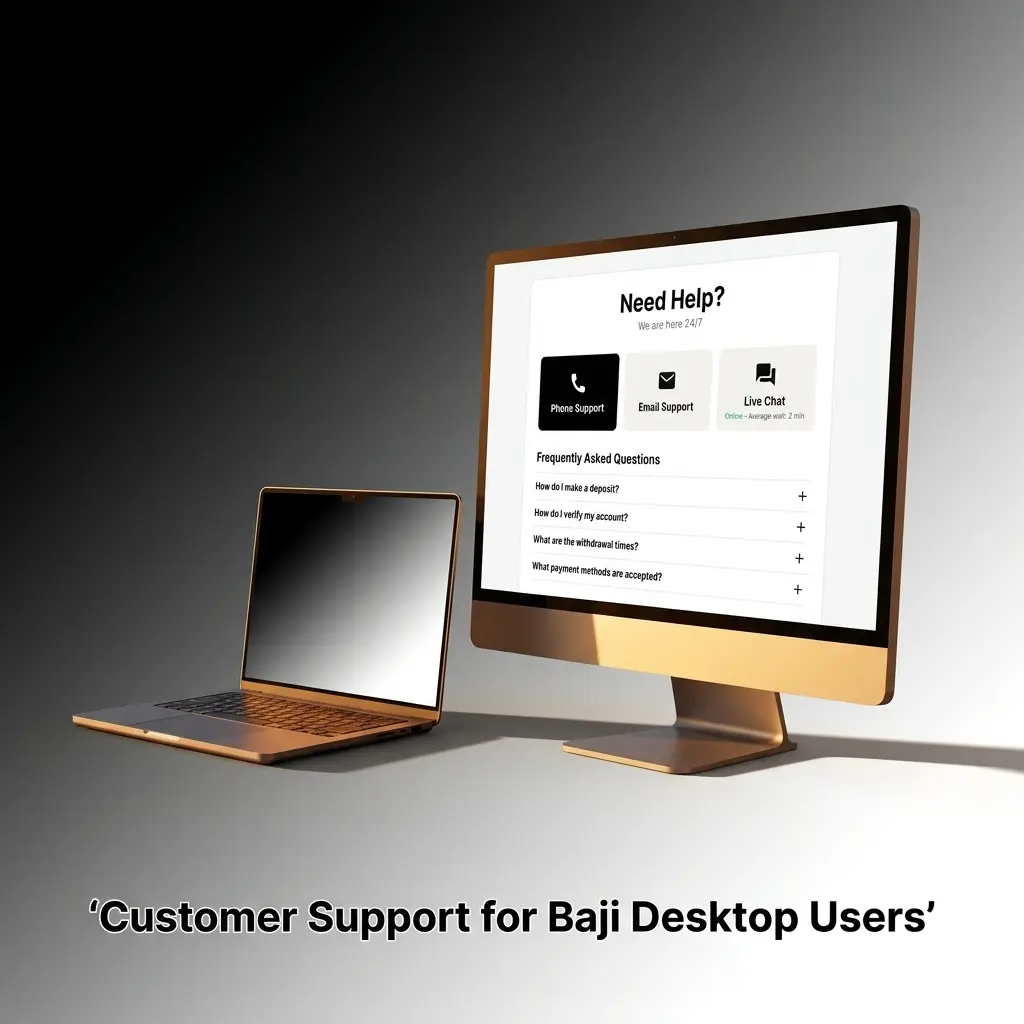
If you encounter any issues with the desktop client or need assistance with your account, the Baji support team is available through several contact channels. The options below will connect you with help directly.
| Support Method | Contact Details |
|---|---|
| Live Chat | Available on the official website and within the PC app, 24/7 |
| [email protected] | |
| Telegram | @bajilive (official Baji Telegram channel) |
| Official Baji Facebook page (accessible via the website) | |
| Contact number listed in the app’s Help section |
Yes. The desktop client is distributed through the official platform only and is regularly tested for security. Your personal and financial information is protected through standard encryption.
Yes. Your account works across all platforms. Any bets placed, deposits made, or bonuses received on the PC client will reflect instantly when you log in through the website, and vice versa.
Yes. Bengali is one of the available language options in the desktop client, making it accessible and comfortable for users in Bangladesh.
No. The download is completely free of charge. You only need an active internet connection and a compatible Windows or macOS device.
Close the app completely and reopen it. If the problem continues, check for an available update through the settings menu or reinstall the latest version from the official download section on this website.
Updated: